Command to yaml file
kubectl create deployment node01 --image=nginx --dry-run=client -o yaml > sample.yaml
minikube image load full-frontend:latest
minikube image load full-backend:latest
minikube image list
eval $(minikube docker-env)
docker images
eval $(minikube docker-env --unset)
kubectl apply -f .
kubectl delete -f .
kubectl apply -f kube
minikube service knote --url
kubectl scale --replicas=2 deployment/knote
lens-ui mantis
kubectl autoscale deployment knote --cpu-percent=50 --min=1 --max=5
kubectl get hpa
kubectl get pods -w
kubectl get pods -o wide
kubectl delete -f kube
# switch namespaces
kubectl config set-context —current —namespace=argocd
create nginx pod
kubectl run myapp-pod --image=nginx --restart=Never
kubectl delete pod webapp
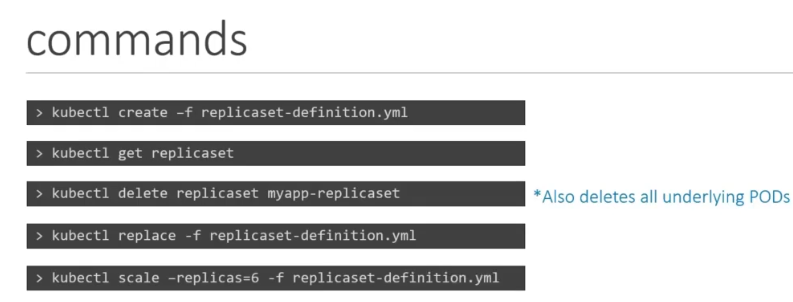
scale replicas
kubectl scale --replicas=6 -f replicaset-defination.yml
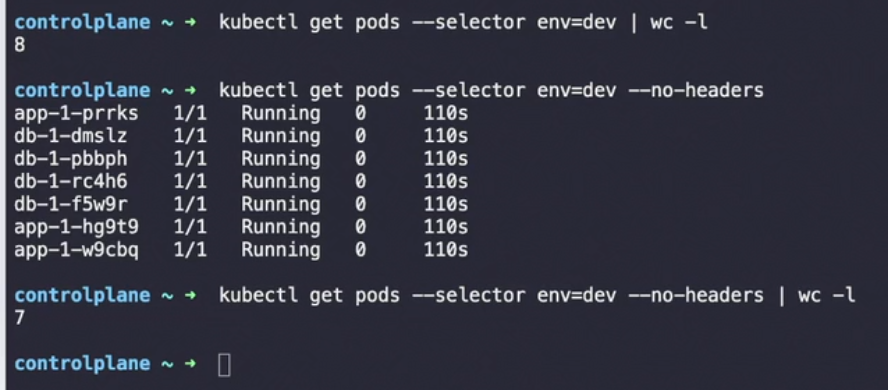
Command for selector and labels
kubectl get pods --selector env=dev
Label
kubectl label node node01 color=blue
Creating secret command
k create secret generic db-secret --from-literal=DB_Host=sql01 --from-literal=DB_User=root --from-literal=DB_Password=password123
To unschedule nodes use command
kubectl drain node01 --ignore-daemonsets
-o wide command
k get po -n kube-system -o wide
use context command
kubectl config use-context cluster1
kubectl get node