Amazon Machine Image (AMI)
🔹 Definition:
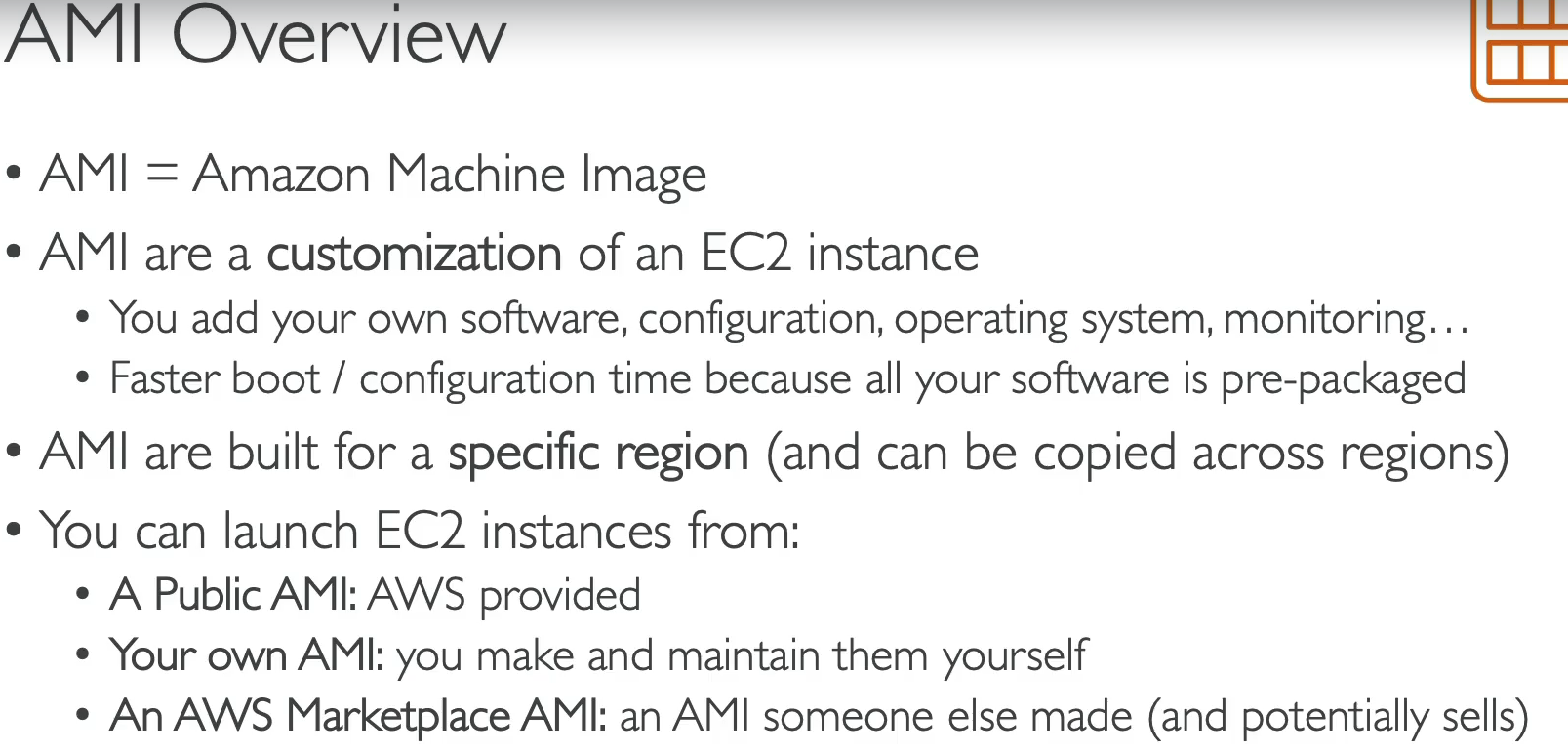
An AMI is a template used to launch an EC2 instance.
It includes:
- OS (Linux/Windows)
- Application software (e.g., web server, DB)
- Launch permissions (who can use it)
- Block device mapping (storage volumes attached)
Types of AMIs
- AWS-provided → Standard OS images (Amazon Linux, Ubuntu, Windows).
- Marketplace AMIs → Pre-configured images from vendors (e.g., WordPress, Red Hat).
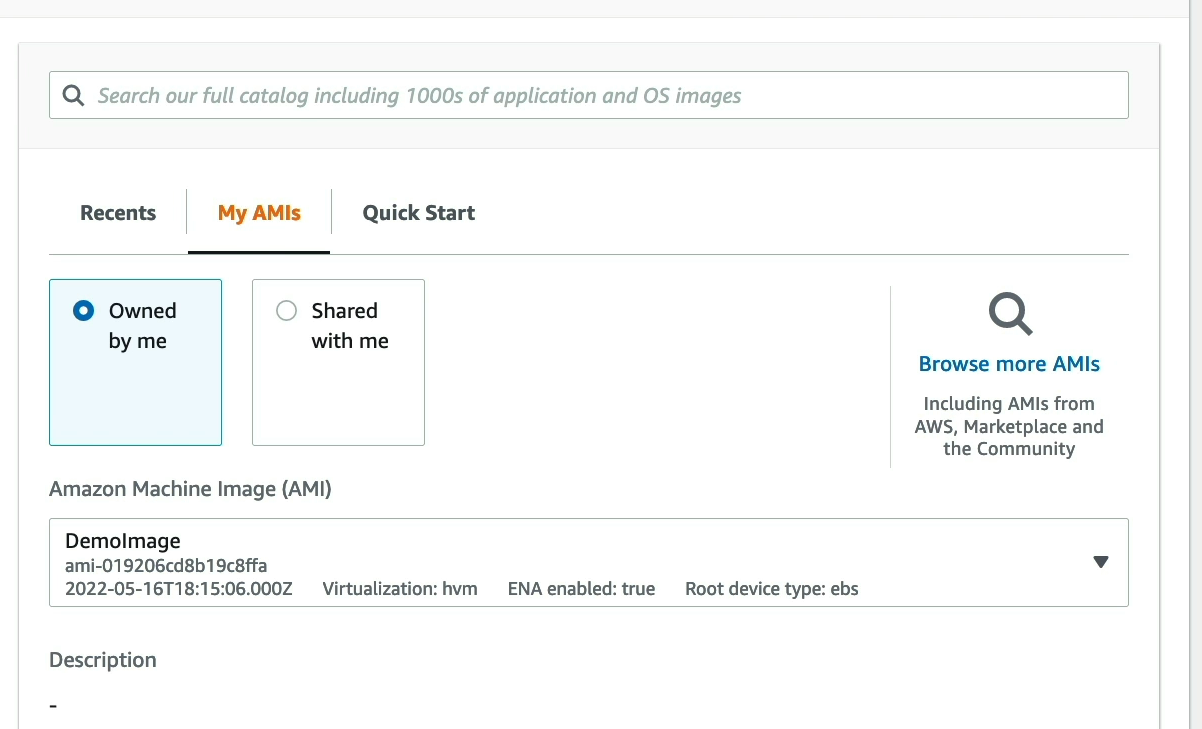
- Custom AMIs → Created by users (e.g., with your apps pre-installed).
- Community AMIs → Shared by others (use with caution).
AMI Lifecycle
- Launch instance → Configure (install apps, packages).
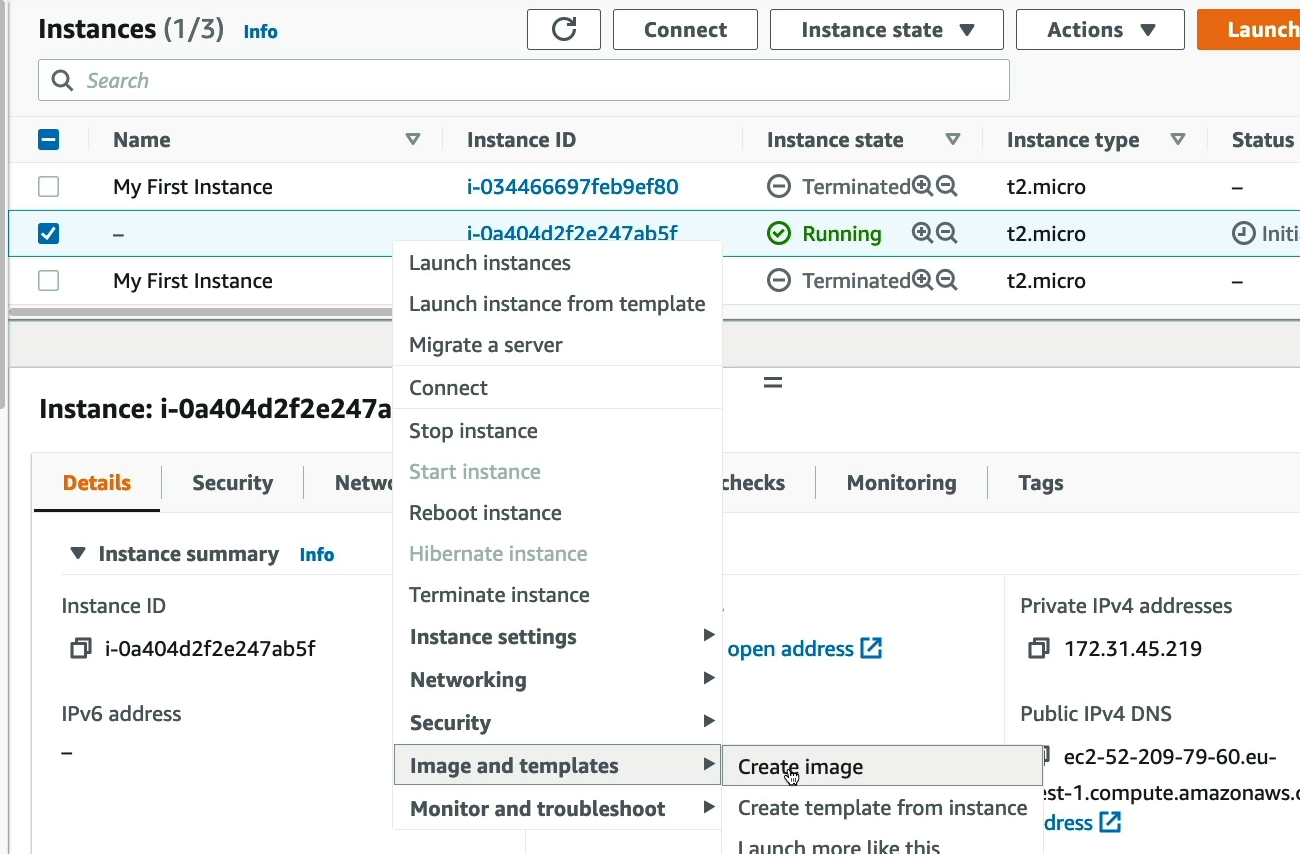
- Create AMI from the instance → Stored in Amazon S3 (managed by AWS).
- Use AMI to launch identical instances anytime.
Benefits
- Consistency → Launch multiple identical servers.
- Faster deployments → No need to reconfigure every time.
- Backup → Save system state & reuse later.
- Sharing → Share AMIs across accounts or regions.
AMI vs Snapshot
| AMI | Snapshot |
|---|---|
| Full template (OS + apps + configs + block device mapping) | Backup of one EBS volume |
| Used to launch new EC2 instances | Used to create AMIs or restore EBS volumes |
| Can contain multiple snapshots (root + data volumes) | Single volume only |
Use Cases
- Custom web servers (e.g., pre-installed Apache, PHP)
- Golden images for DevOps (standard baseline AMI).
- Disaster recovery (store AMI as backup).